Form Builder Documentation
User friendly html form builder. A customized Django Wagtail app. Wagtail as a standalone builder for form pages or simply forms.
Work in progress
This documentation is work in progress and certainly not complete. If you have any questions, please contact Thomas Breitner or simply open an issue.
Getting started
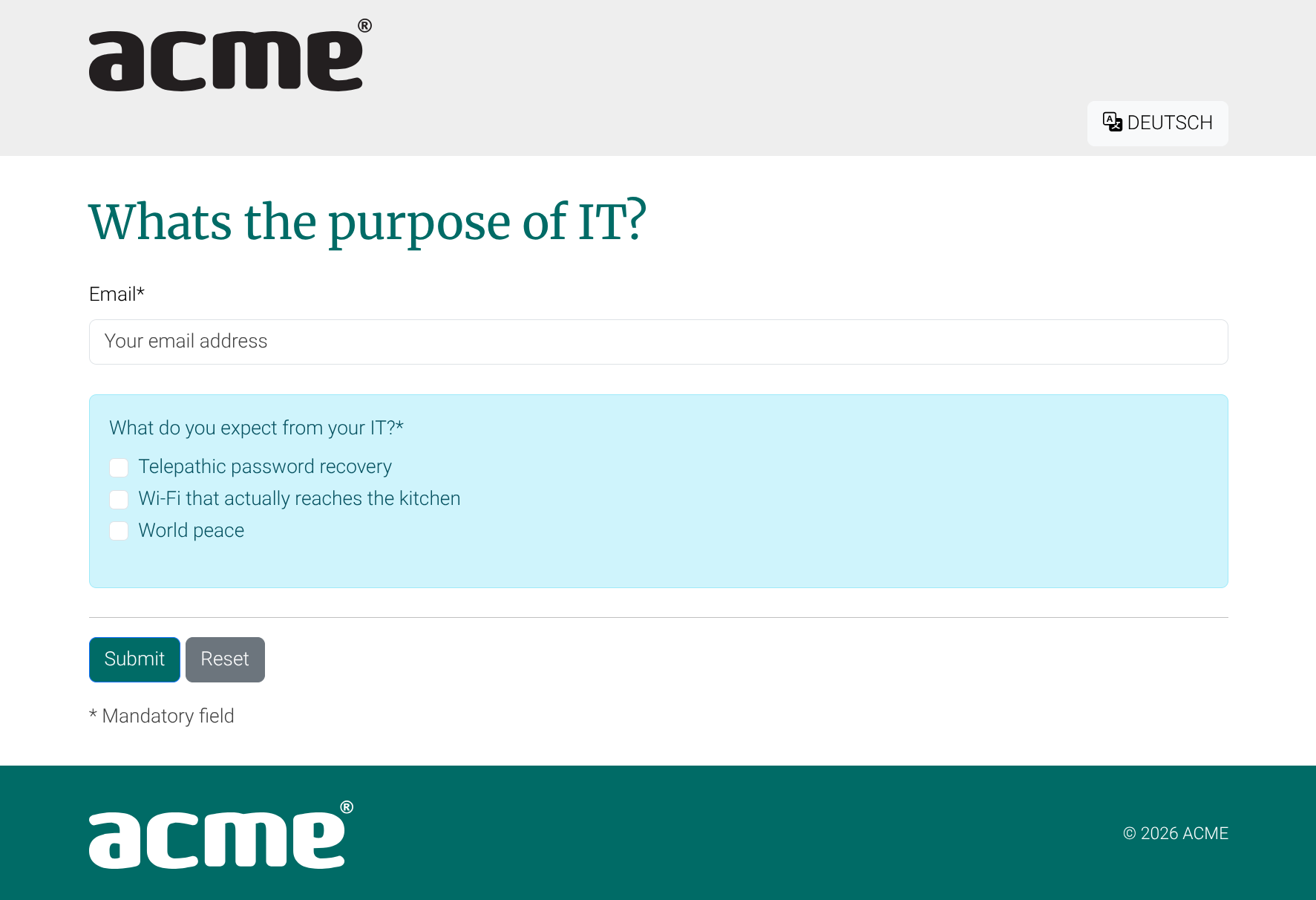
Features
Building upon the feature set of Wagtail form builder and customized to provide the following additional features.
Branding with custom Logos, Favicon, colors etc.
Expose API endpoint for forms, authentification via token (optional, configurable per form)
Custom form fields:
Document file field
Image file field
Typeahead-Multiselect field (“select2”)
Datetime and time fields with time picker for Firefox
Page break: splits a form into steps, each step is validated before moving on
The editor shows only the attributes of a form field that apply to its field type
After submitting, visitors are redirected to a thank-you page; optionally with poll results (how often each choice of the choice questions was chosen)
Embed page content - without header, footer etc. - via
url?embed=true. Useful for embedding only the form on third party sites.iFrame autoresizing
Handles Content Security Policy (CSP). See
.env.
Multilingual
Captcha (optional, configurable per form)
Protect uploaded files (images and documents) via
filenames prefixed with an UUID
files could only be fetched from an authenticated request, and/or a whitelisted IP address
Validates incoming files for:
maximum file size
file extension
file mime type
virus scan (via clamav in docker, done async via task queue
huey)
iFrame
Embed a form on a third party page. Note the ?embed=true parameter, which strips
the navbar and footer, and enables the iFrame autoresizing:
<style>
  iframe[data-waf-resize] {
    width: 100%;
    height: 100vh; /* until the first resize, and a scrollable fallback without JS */
    border: 0;
  }
</style>
<iframe
  data-waf-resize
  title="Contact form"
  src="https://fqdn.com/wagtail/formpage.html?embed=true"
></iframe>
<script async src="https://fqdn/static/iframeresizer/iframeResizer.js"></script>
Every iframe carrying the data-waf-resize attribute is picked up automatically, so no
inline script is needed. Give each iframe a title describing the form for screen
readers; if it is missing, the form page’s title is used.
The form page itself takes care of the rest, so embedding sites need no configuration:
the iframe-resizer license (see below)
the height calculation: iframe-resizer detects the most suitable method on its own, and a
heightCalculationMethodpassed by the embedding page is ignoredafter a submit, the embedding page scrolls to the top of the form, so the validation errors or the thank-you text are visible
To size an iframe yourself instead, call iframeResize(options, selector) once the
script has loaded, e.g. for an iframe inserted after the page has loaded (only iframes
present on page load are picked up automatically), or iframeResize({ log: 'expanded' }, '#my-form') to debug the sizing in the browser console. The options are documented at
https://iframe-resizer.com/api/parent/; leave waitForLoad off, as it can stop the
asynchronously loaded script from initialising. The v4 spelling iFrameResize() still
works, so existing embeds keep running. Options from older snippets that iframe-resizer
5 no longer needs:
v4 option |
iframe-resizer 5 |
|---|---|
|
remove, the method is detected automatically |
|
CSS |
|
|
Troubleshooting, see the browser console of the embedding page:
has not responded within 5 seconds: the
srclacks?embed=true, so the form page does not load the resizer.The browser refuses to display the iframe: the embedding site is missing from
FORMBUILDER_CSP_FRAME_ANCESTORS.A GPLv3 License Version notice, once per browser session, is expected.
Only form pages can be embedded, and only by the sites listed in
FORMBUILDER_CSP_FRAME_ANCESTORS (see env.template); all other pages, the admin
included, only allow framing by this site itself.
Autoresizing is provided by iframe-resizer by davidjbradshaw, used under the terms of its GPLv3 open source license. The license key is set on the form page, so embedding sites do not have to configure one.